
Nori App FAQ and Solutions
Is Nori app paid? Does it work offline? How do I backup my photos? Detailed answers to all technical and general questions.
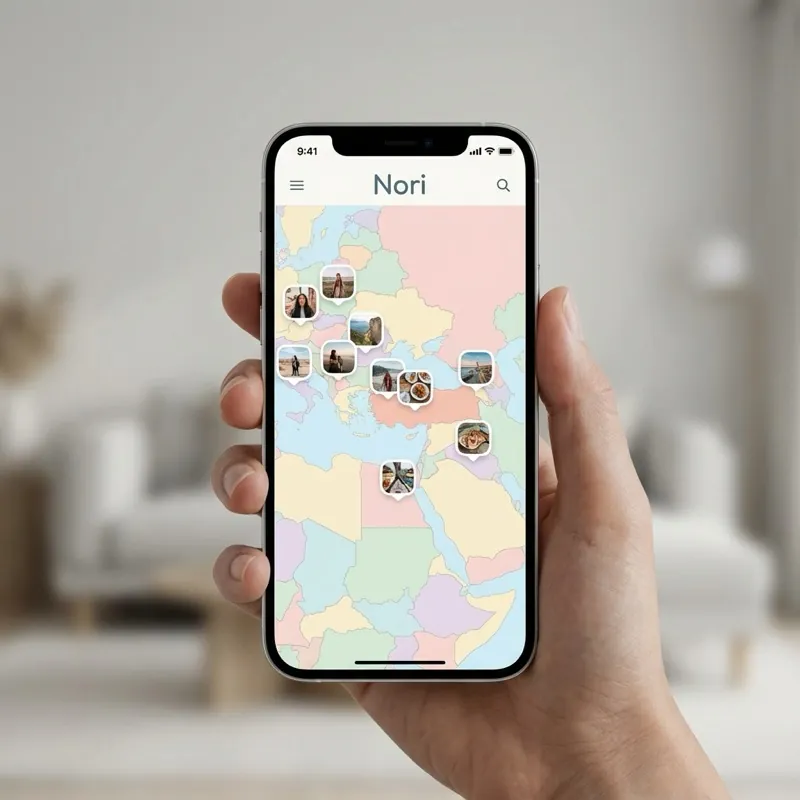
Almost everyone who visits Cappadocia ends up with the same phone: hundreds of near-identical balloon photos, fairy chimney shots that blur together, and no memory of which valley was which a few weeks later. Saved the right way, though, this trip can become a memory map you can genuinely revisit years later.
A phone gallery is a chronological dump — your balloon photo sits between screenshots and random shots with no context. Remembering whether a picture was taken at Uçhisar Castle or inside the Kaymaklı Underground City becomes nearly impossible a few months on. A map-based photo album exists precisely to solve this mess.
The sunrise balloon ride is usually the most memorable part of a Cappadocia trip. When you upload these photos to Nori, you don't have to rely on automatic location detection — you place the pin yourself, right on the launch field or the exact point you watched the sunrise from. Years later, opening your map, you can say "that's exactly where I watched the sun come up."
Cappadocia is more than the balloons. Pin your hike through Pigeon Valley, a fairy chimney shot from Love Valley, or the underground corridors of Derinkuyu separately, and your whole route comes alive on the map. Over time it starts working like a personal Cappadocia guide — something you can look back on for your next trip, or send to a friend planning theirs.
The roar of the burner at liftoff, the morning quiet of a cave hotel, a legend your guide told you — none of that fits in a photo. With Nori's voice notes, you can attach that sound directly to the photo it belongs to, turning your map into an audio memory as much as a visual one.
If you went to Cappadocia with friends, everyone's phone ends up with a scattered, incomplete version of the trip. Instead, create a shared map and invite the group — everyone's best shots and voice notes merge into a single trip map.
Still planning your Cappadocia trip? Check our travel planning guide first, then download Nori for free to pin your memories once you're back.
Is Nori app paid? Does it work offline? How do I backup my photos? Detailed answers to all technical and general questions.

Things you need to know before hitting the road. Tips for creating routes, budget planning, discovering places to visit, and keeping memories using Nori app.

Combine special moments shared with your partner, places visited, and voice notes on one map. The best shared photo album app for couples: Nori.